CQG Desktop Update 10.11
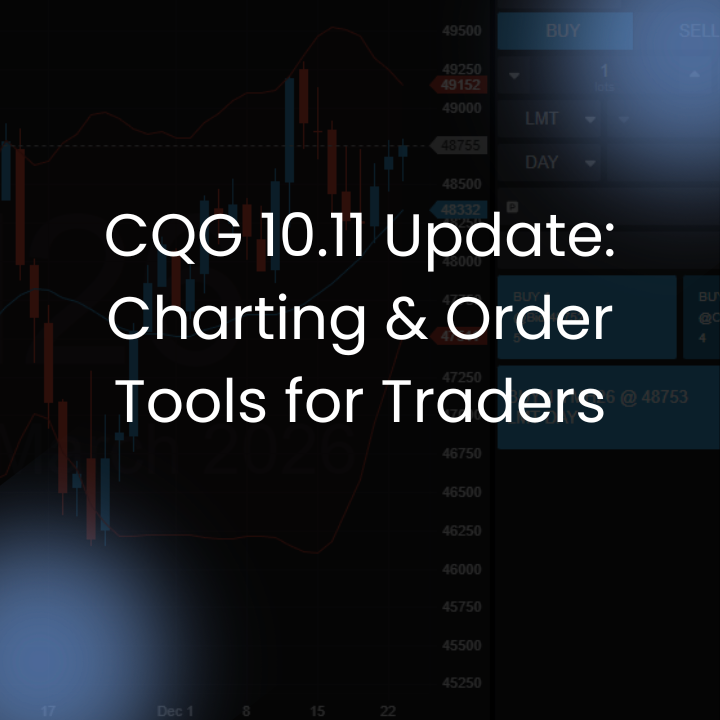
What’s New in CQG Version 10.11
The latest CQG update introduces practical enhancements to boost your trading experience. Whether you’re analyzing historical data or managing complex orders, version 10.11 makes technical analysis software more intuitive and powerful.
Advanced Charting Enhancements
CQG’s charting tools have been upgraded to provide faster navigation and deeper insights. These features help traders reduce analysis time and make informed decisions during volatile markets.
- Time Range Shortcuts: Quickly jump across historical data periods, ideal for reviewing long-term trends in futures trading.
- New Drawing Tools: Analyze based on net change, ticks, and potential profit/loss (P/L) for more accurate risk assessment.
- Scale Switching: Toggle between logarithmic and linear price scales to better visualize market movements.
- Study Curve Visibility: Show or hide study curves to minimize visual clutter and focus on essential technical indicators.
- Precision Zooming: Use the scroll wheel for mouse-pointer-centered zooming, offering granular control over chart views.
- Elliott Wave Tools: Support advanced technical analysis with built-in Elliott Wave drawing capabilities, perfect for wave pattern identification in equities and forex.
These charting enhancements make CQG Desktop and CQG One standout choices among trading platforms for professional technical analysis.
Mobile Mode Improvements
For on-the-go trading, the Filled Orders tab now defaults to displaying the most recent fills at the top. This update enhances clarity on smaller screens, making it easier to review execution history during mobile trading sessions.
Streamlined Options Workflow
Options traders benefit from a more efficient process: Add options directly to the strategy builder via a right-click menu. This reduces workflow steps, accelerates strategy creation, and improves overall options trading efficiency on CQG platforms.
Enhanced Trading and Order Management
Visibility of working orders has been improved on the HOT (Heatmap Order Ticket) and DT (Depth of Market Ticket). The Algo Order Ticket features a redesigned layout for better scalability, simplifying the management of complex orders in fast-paced markets.
Access CQG Desktop for Free with Lincoln Park Financial
Looking to get started with CQG Desktop? Customers of Lincoln Park Financial receive a free CQG Desktop platform and zero per-side routing included with a live account. This package also features competitive commissions and direct 24/7 customer service to support your trading needs around the clock. Get a demo today at Lincoln Park Trader.
Key Benefits of the CQG Version 10.11 Update
This release refines CQG One and CQG Desktop with trader-centric improvements that enhance chart control, order visibility, and workflow speed—without unnecessary complexity. Active traders can expect reduced analysis time, better mobile usability, and faster strategy execution. Upgrade to CQG version 10.11 today to elevate your trading performance. For more details on these charting upgrades and trading platform features, visit the official CQG website or check out Lincoln Park Financial at Lpfutures.com