
Ironbeam Platform Guides
Last updated November 20, 2026
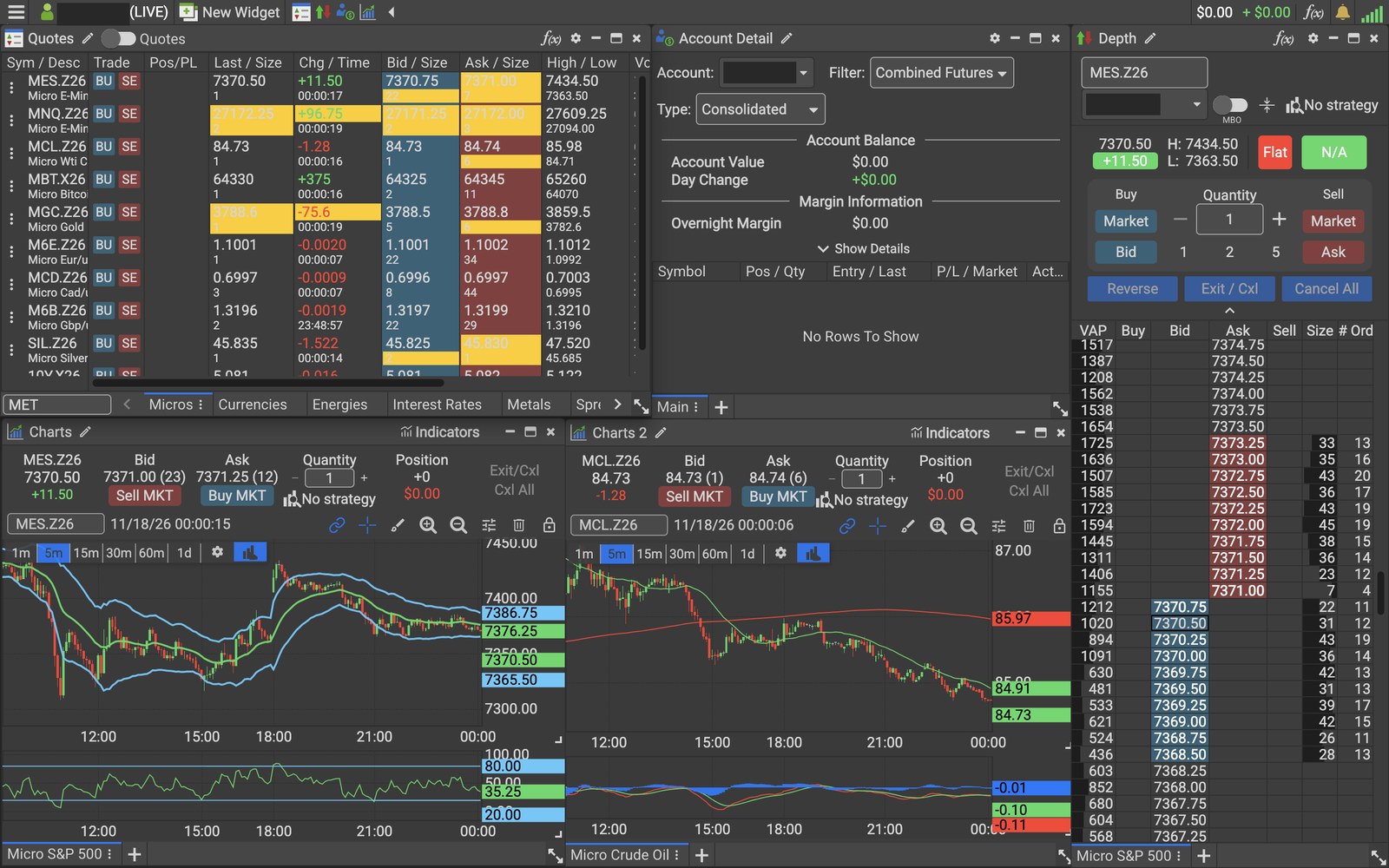
These guides help Lincoln Park Financial clients get started on the Ironbeam platform. Start with the Ironbeam Platform Walkthrough, then use the short guides to download the desktop platform, add a volume indicator, see more than 10 DOM levels, understand the Quote Speed slider, and switch the theme from Dark to Default.
Lincoln Park Financial clients whose accounts clear through Ironbeam can trade on the Ironbeam platform on desktop, in a web browser, and on mobile. The guides below cover the most common setup questions. Each guide is short and focuses on one task.
Ironbeam guides
- Ironbeam Platform Walkthrough
- How to Download the Ironbeam Desktop Platform for Mac and Windows
- How to Add a Volume Indicator on the Ironbeam Platform
- How to See More Than 10 DOM Levels on the Ironbeam Platform
- What Does the Quote Speed Slider Do on the Ironbeam Platform?
- How to Switch the Ironbeam Platform from Dark to Light Theme
- How to Enable Platforms and Market Data at Ironbeam
- How to Activate Market Data on the Ironbeam Platform (Level 8)
Not sure which platform fits your trading? See Which Futures Trading Platforms Can I Use?
Need help with the Ironbeam platform?
Lincoln Park Financial customer service is available 24/7 to help you set up the Ironbeam platform.
Contact us Call 312 500 4730Sources (checked November 17, 2026)
Trading futures involves substantial risk of loss and is not suitable for all investors. Past performance is not indicative of future results.